digital resources for you

resources notebooks.

Curated digital learning notebooks sharing tools, techniques, and ideas from the Sealworks team.
Free to share, learn, play, experiment and grow.

5Notebooks
180+Tools
22Categories
Updates

Built for doers.

Every notebook is curated by the Sealworks team and shaped by 30+ years of building learning experiences. No fluff — just what works.
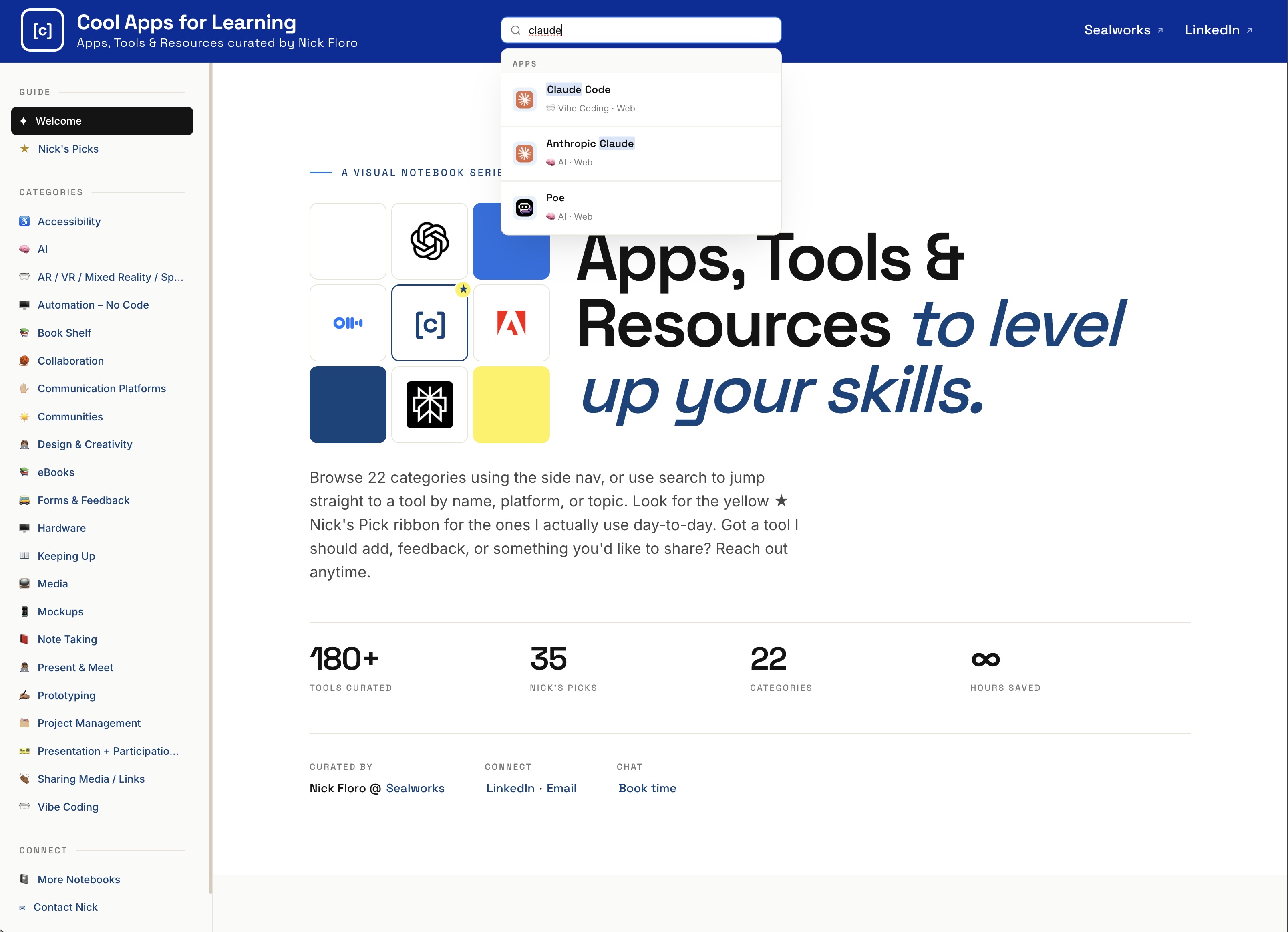
CoolAppsforLearning.com screen grab
Notebook · 180+ tools

Cool Apps for Learning

A searchable notebook of 180+ apps, tools, and platforms — organized into 22 categories and curated personally by Nick. Skim the sidebar by topic, jump to a tool with search, or follow the yellow-star Nick's Picks for the ones in daily rotation. A living reference, not a directory — every entry has been put through its paces.

  • 180+ tools across 22 working categories
  • "Nick's Picks" flagging favorite apps and where to start experimenting
  • Live search across tool name, platform, or topic
  • Sidebar nav grouped by use case (AI, prototyping, note-taking, communities…)
View coolappsforlearning.com
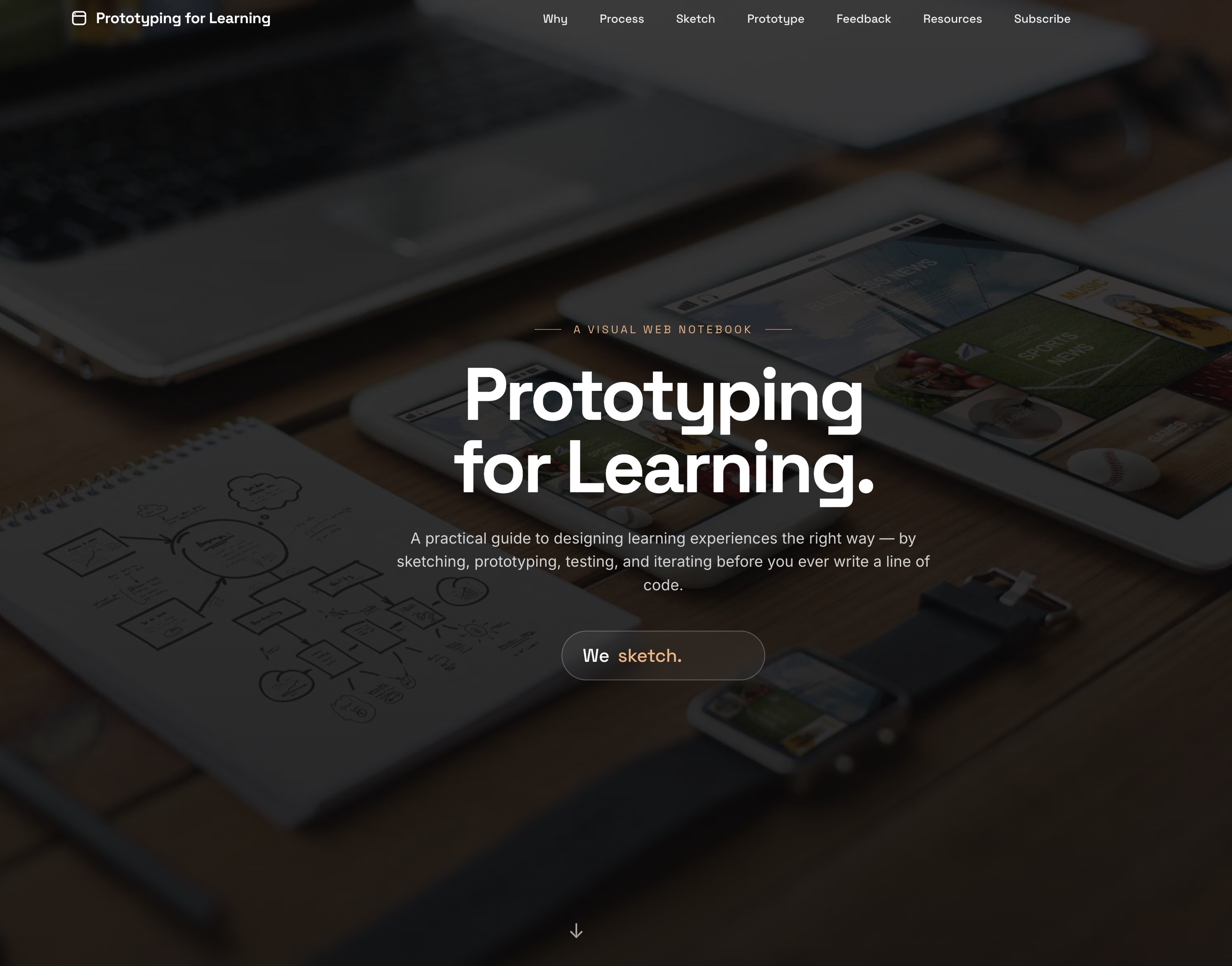
PrototypingforLearning.com screen grab
Notebook · 16 Chapters

Prototyping for Learning

A practical guide to designing learning experiences the right way — by sketching, prototyping, testing, and iterating before you ever write a line of code. Sixteen chapters walk you from the first scribble to a validated prototype, with sections on storytelling, accessibility, and designing with AI. A working playbook, not a textbook.

  • 16-chapter guide from sketching to validated prototype
  • Dedicated chapters on storytelling and shared vocabulary
  • "Design for Everyone" — accessibility-first section
  • "Design with AI" chapter for current workflows
  • Feedback loops: Validate, Capture Feedback, Iterate
View prototypingforlearning.com
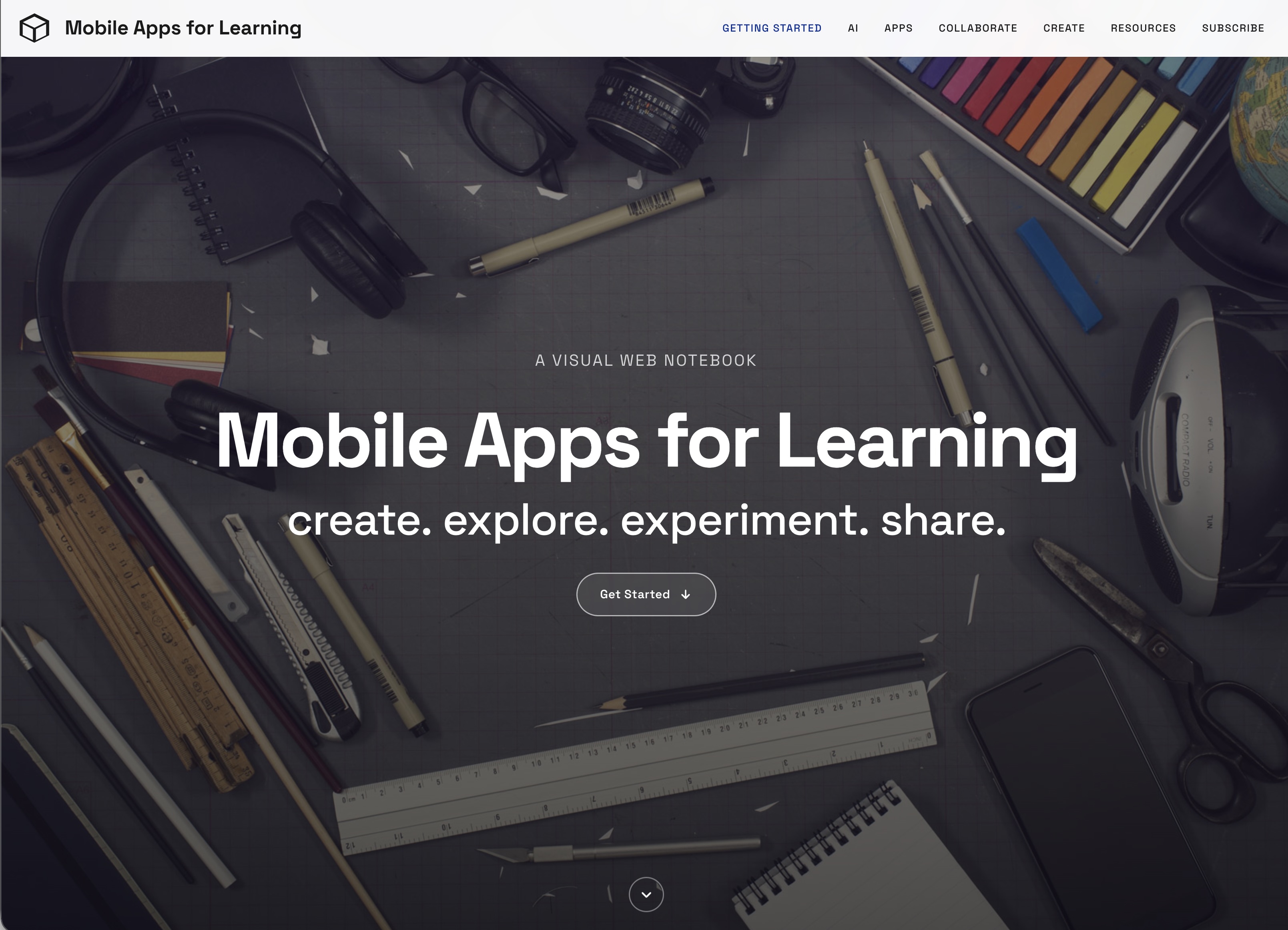
MobileAppsforLearning.com screen grab
Notebook · 8 Chapters

Mobile Apps for Learning

The phone in your pocket is a notebook, a camera, a recorder, a library, and a classroom. Eight chapters cover the apps and patterns Nick actually uses — from capturing media on the go and building interactive eBooks to mirroring your screen, annotating anything, and meeting + presenting from mobile. Practical, app-by-app, and updated for the AI era.

  • 8 chapters: Getting Started · AI · Apps · Collaborate · Present · Annotate · Mirror · Create
  • "Six ways your mobile device becomes a learning tool" opener
  • Dedicated AI Tools chapter for mobile workflows
  • Sections on screen mirroring and annotating anything
View mobileappsforlearning.com
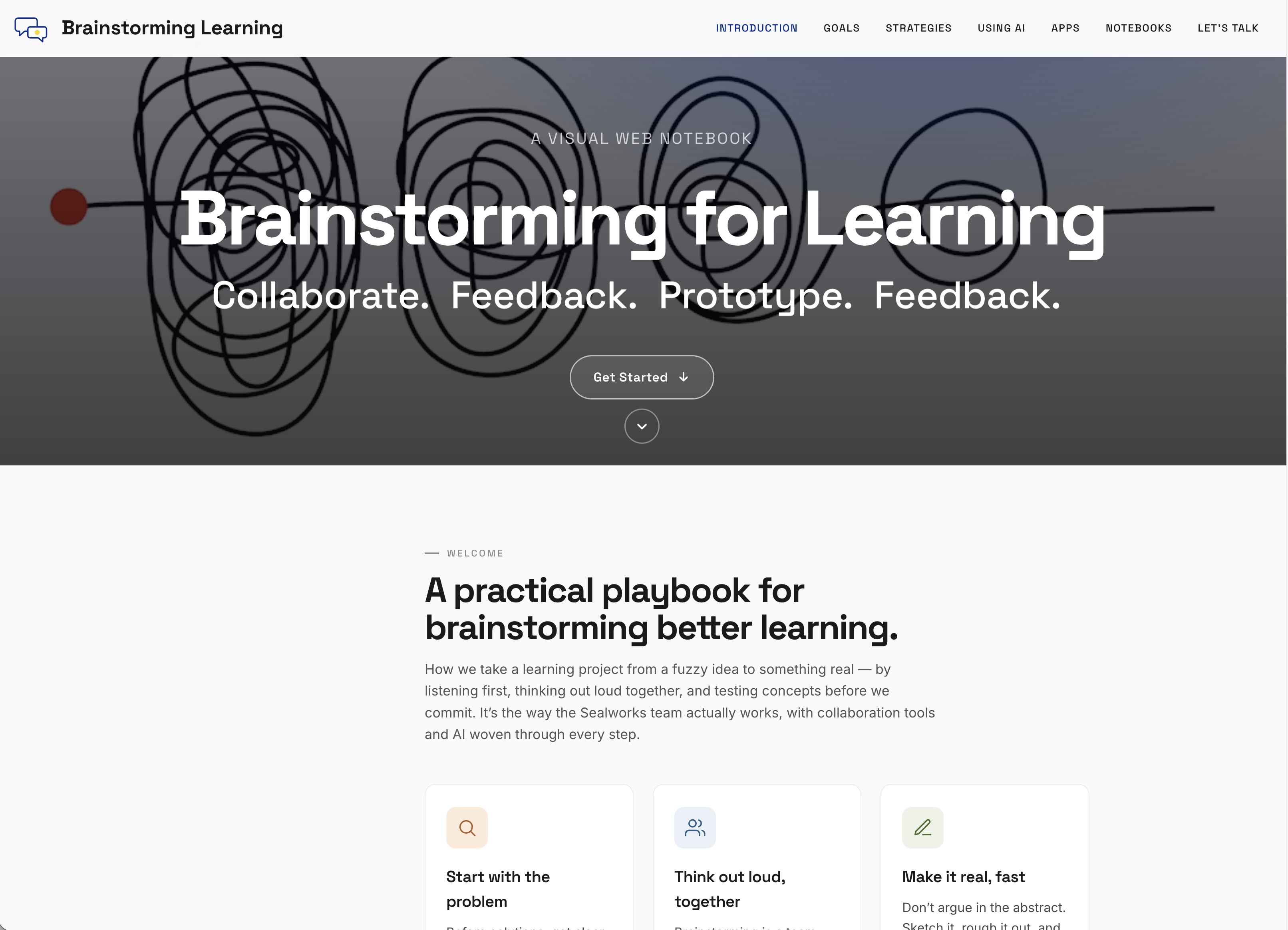
BrainstormingLearning.com screen grab
Notebook · 5 Stages

Brainstorming for Learning

A practical playbook for taking a learning project from fuzzy idea to something real — by listening first, thinking out loud together, and testing concepts before committing. The way the Sealworks team actually works, with collaboration tools and AI woven through every step.

  • Five-stage process: Listen → Using AI → Feedback → Testing → Concepts
  • Opening trio: Start with the problem · Think out loud, together · Make it real, fast
  • Dedicated "Using AI" stage in the brainstorming workflow
  • "Apps to Collaborate" curated tool section
  • Goals + Alignment chapters for stakeholder-heavy projects
View brainstorminglearning.com
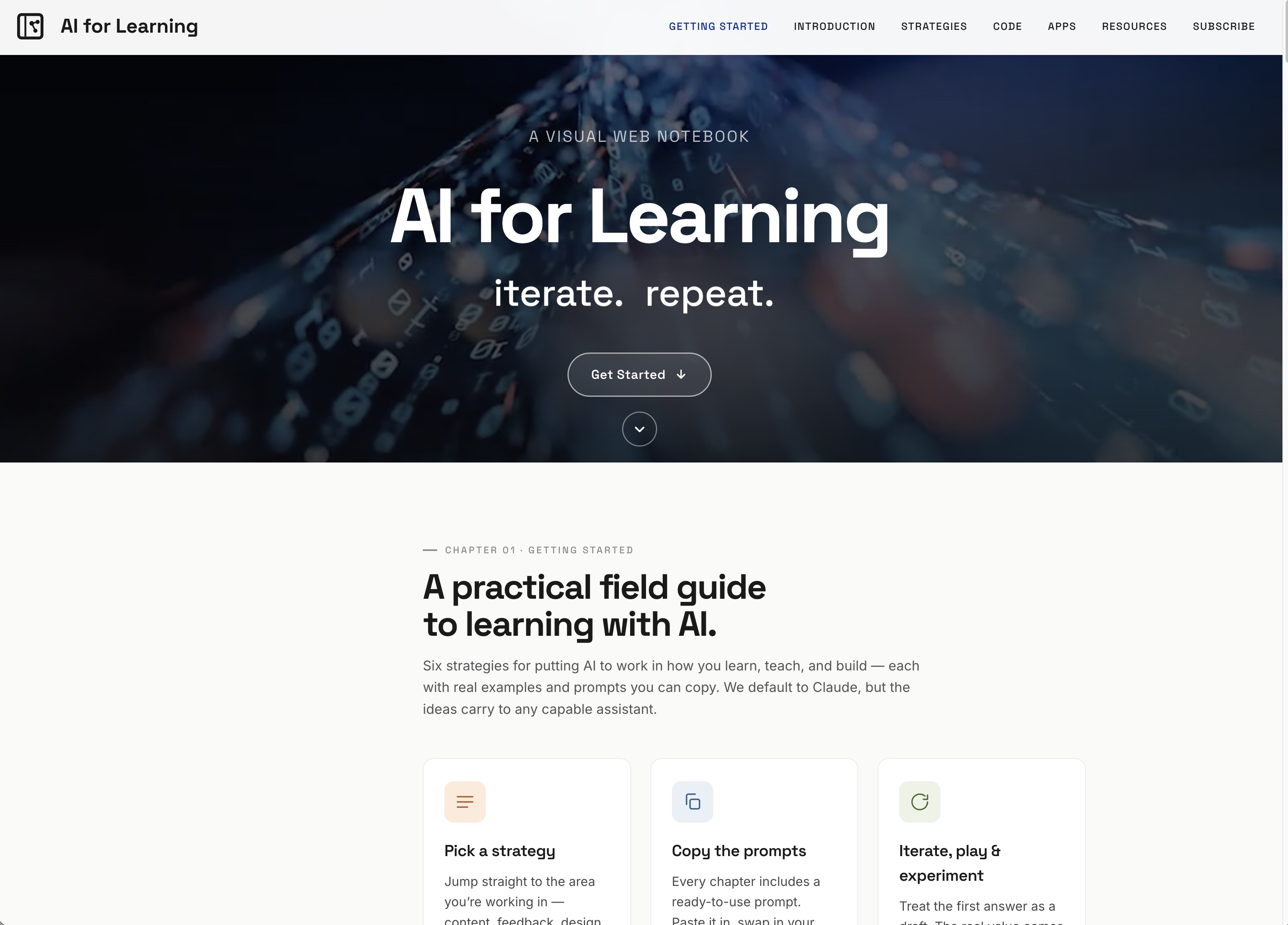
AIforLearningNotebook.com screen grab
Notebook · 6 Strategies

AI for Learning

A practical field guide to learning with AI — six strategies for putting it to work in how you learn, teach, and build. Each chapter ships with real examples and ready-to-use prompts you can paste, swap, and adapt. Default to Claude or take the ideas to any capable assistant — the workflows are what matter. Tagline: design · feedback · refine · launch.

  • Six strategies: Content Development · Feedback · Design · Code · Analytics · Analysis
  • Ready-to-use prompts in every chapter
  • Three principles: Pick a strategy · Copy the prompts · Iterate, play & experiment
  • "Apps to Try" curated AI tool section
  • Works with Claude, ChatGPT, or any capable assistant
View aiforlearningnotebook.com